How Can SmartJudge Help Me Fill In My Form E?
A Form E is the comprehensive financial statement used in divorce and civil partnership proceedings in England and Wales. It is what barristers and judges use to inform their decisions on how to split assets, and it includes more information than we gather for the standard SmartJudge report.
Do you need one at all?
You don’t need to complete a Form E to generate the SmartJudge report, for the Paradigm solicitor review, or for the judge or barrister opinion run by WhatWouldAJudgeSay.
You might want one if you are going to court, a solicitor has recommended you fill it in, or you previously uploaded a Form E to SmartJudge and edited the fields - SmartJudge makes this easy.
Step 1 of the form asks Do you need to complete a Form E? The answer is No unless you change it. If you choose Yes, you will see all the questions in the Form E. You can also reach the same option from My Information, as described below.
How SmartJudge helps, step by step
- Log into smartjudge.ai and select My Information. You can find this by clicking the person icon in the top right, or by going to smartjudge.ai/your-data when logged in.
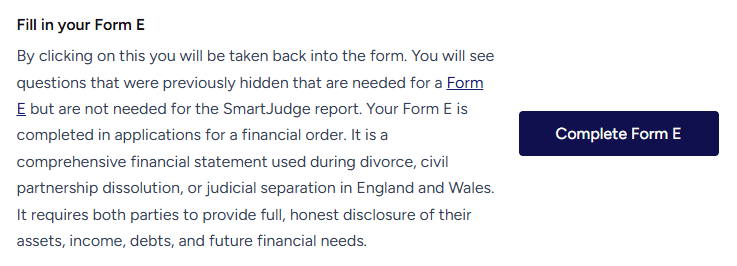
- In the second half of the page you will see an option to Complete Form E. When you select it, additional questions appear alongside all the ones you have already answered. We don’t show the Form E questions by default, so you only fill out the questions you need for the SmartJudge report.
- Fill in the details. Remember you can use the chatbot, or click on the question marks, if you have any questions about how to answer.
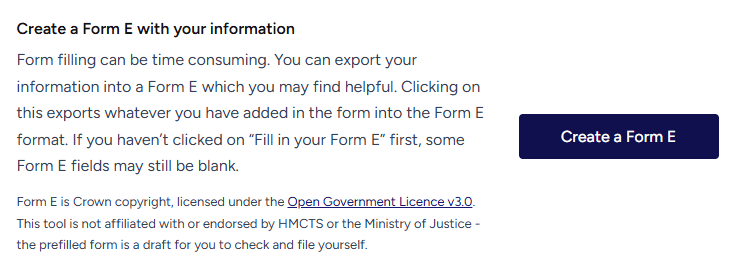
- When you’ve completed the questions, go back to My Information (via the person icon in the top right). Towards the end of the page you will see a Create a Form E button, which automatically exports your answers into the Form E format used by the courts - now yours to download.

Changed your mind?
If you want to turn off the additional Form E questions, there is also an option on the same page to Hide Additional Questions. Your answers are kept, so nothing is lost if you switch them back on later. You can also change your answer to Do you need to complete a Form E? in Step 1 of the form.
Once you have a report and want to send it to a reviewer, see how to share your SmartJudge report and the data used to fill it in.
Answer once, use it twice - your SmartJudge answers become your Form E.
Start Your Free SmartJudge Assessment