Do I need to share my email address when I login and how can I remain anonymous?
The sign-up screen
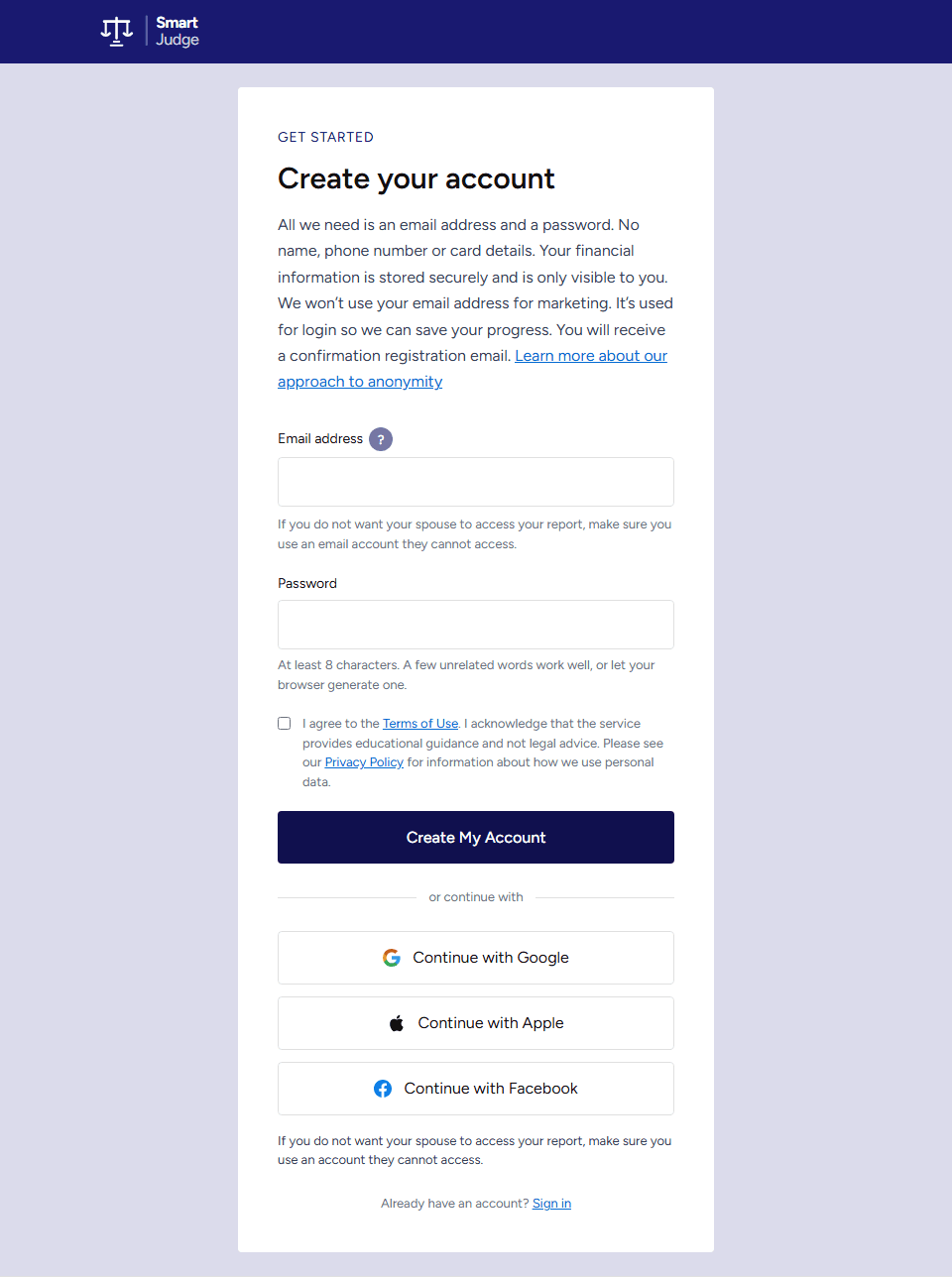
When you first sign up you will see:
Why we use your email as your username
We use your email address as a user name so that once you have logged into the site you can use your login details to make changes. The changes will be automatically saved and you can come back to them whenever you want. It also gives you control of your data.
We never use your email address for marketing. The only emails we send are about your account, such as your sign-up confirmation or a warning before an inactive account is deleted.
The confirmation email
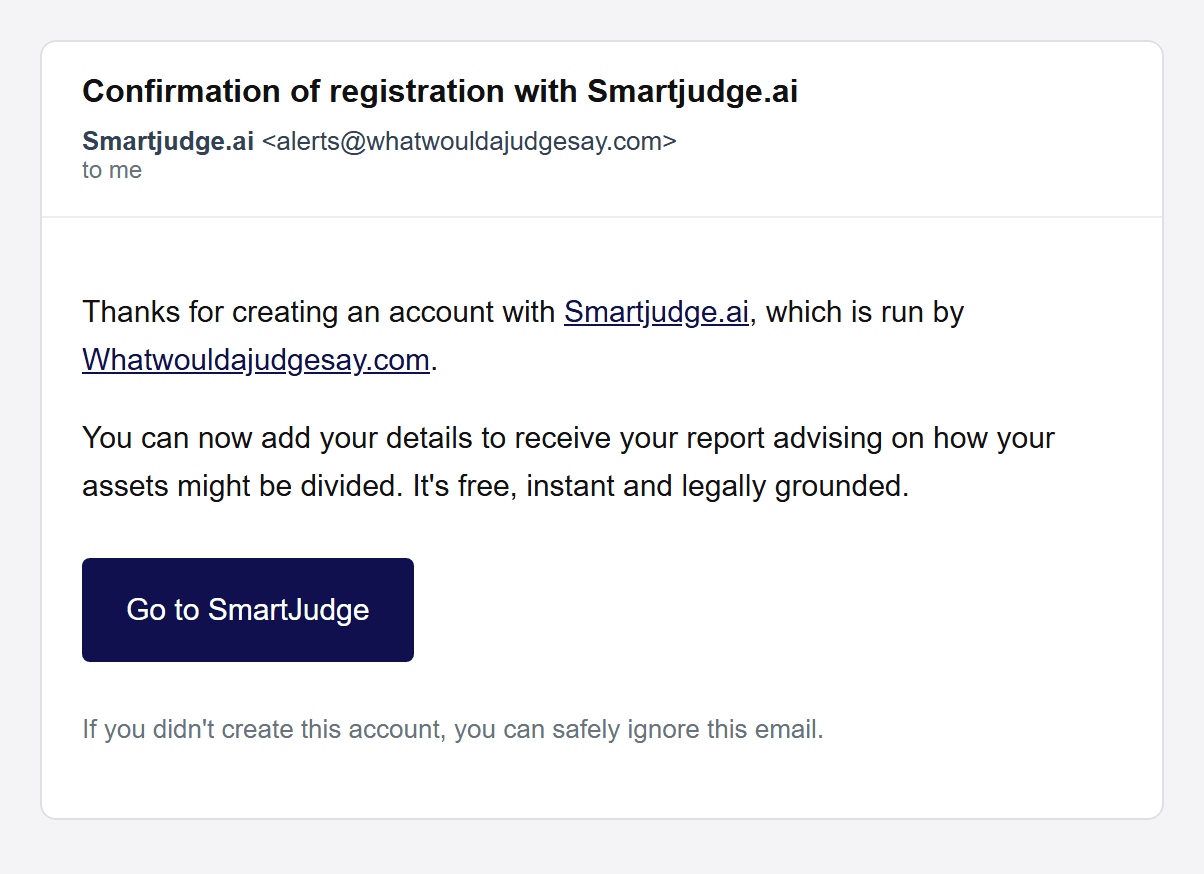
You will also get a confirmation email to the account that you put into the email address box. We don’t force you to confirm that the email address is correct or that you received the email. If you want to, you can check your email (and spam folders) to see if you have got the email - and the email is there as a record if you want it.
Prefer to stay anonymous?
If you really don’t want to share your email with us you can make up an email address (e.g. mickeymouse@madeupname.com). The fake email address will be emailed. The email will probably bounce, but that won’t stop you proceeding. You can use the email that you made up (with your password) to access your details even though the email may have bounced.
One thing to keep in mind if you make up an address: because it has no real inbox, keep your email and password somewhere safe. If you forget them we can’t recover the account, and a password reset can’t reach a made-up address. You also won’t receive the warning we send before an inactive account is deleted.
We have done this deliberately because we appreciate some users will value their anonymity, despite our commitment to privacy. Others may be concerned about providing an email address that a partner might access.
We don’t ask for your name or address unless you want to fill out a Form E. Our default assumption is that you are not trying to fill in a Form E. You are in control of what you share. Remember that if you log on with an email that your partner has access to, they might see the confirmation email or be able to access your report.
Keeping your account secure
Once you’re signed in, tap the account icon in the top-right corner and choose My Information, then find the Signing in and security section. There are two optional extras - use whichever suits you.

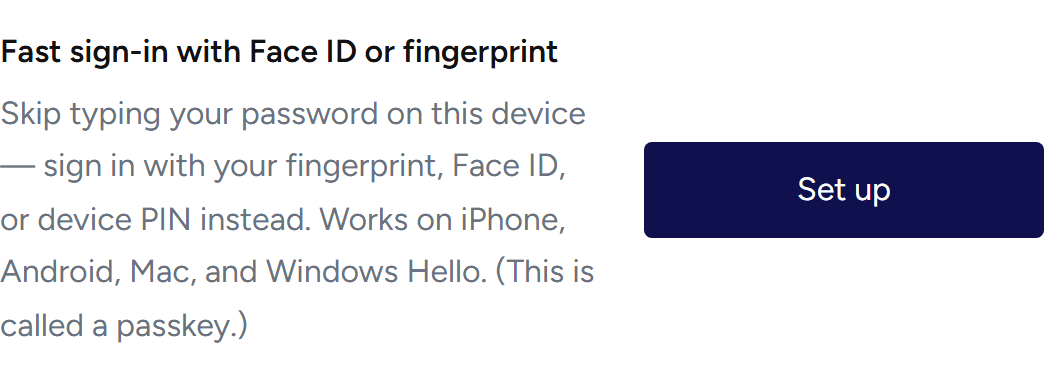
Faster sign-in with Face ID or fingerprint
Under Fast sign-in with Face ID or fingerprint, tap Set up to sign in with your fingerprint, Face ID or device PIN instead of typing your password. (This is called a passkey; it appears on devices that support them, which includes most modern phones and computers.)
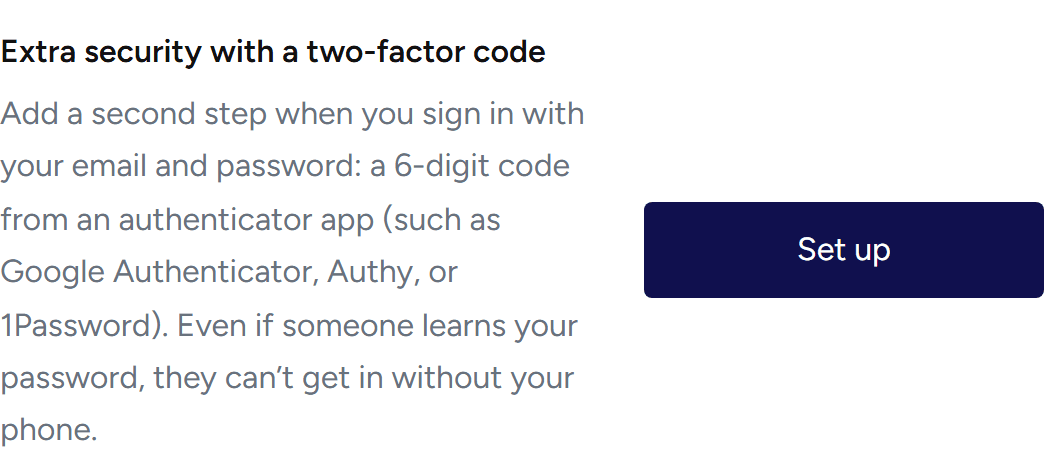
An extra step when you sign in (two-factor authentication)
Under Extra security with a two-factor code, tap Set up to add a second step to your email-and-password sign-in: a 6-digit code from an authenticator app (such as Google Authenticator, Authy or 1Password). Even if someone learns your password, they can’t get in without your phone. You’ll also get one-time recovery codes to save in case you lose access to the app.
My Information stays confidential
Regardless of how you approach the login screen you can be confident that we take the confidentiality of your data seriously. You can learn more about how we approach keeping your data secure here.
Ready to see what a judge might say? Your details are saved as you go - and only ever visible to you.
Start Your Free SmartJudge Assessment